Most of what’s been written about the Azure Copilot Deployment Agent describes it from the outside: it takes a high-level goal, applies Well-Architected Framework guidance, and produces infrastructure as code. True, but it skips the part that actually determines whether this is useful to a platform team or just a demo — what the session itself looks like, where the real review point is, and what actually lands in your repository at the end of it.
Starting the conversation
The Deployment Agent lives inside the Agents experience in Azure Copilot chat in the portal, and the same underlying capability also ships as an open-source skill usable from GitHub Copilot, Claude Code, and other coding agents — so the entry point varies, but the interaction model doesn’t. You start the way you’d start describing a requirement to a colleague, not the way you’d write a resource block: something like “I need a Python Flask app running on App Service, backed by PostgreSQL, with secrets held in Key Vault rather than app settings.”
What happens next is the detail that separates this from a code-completion tool. It doesn’t generate anything yet.
The clarification loop
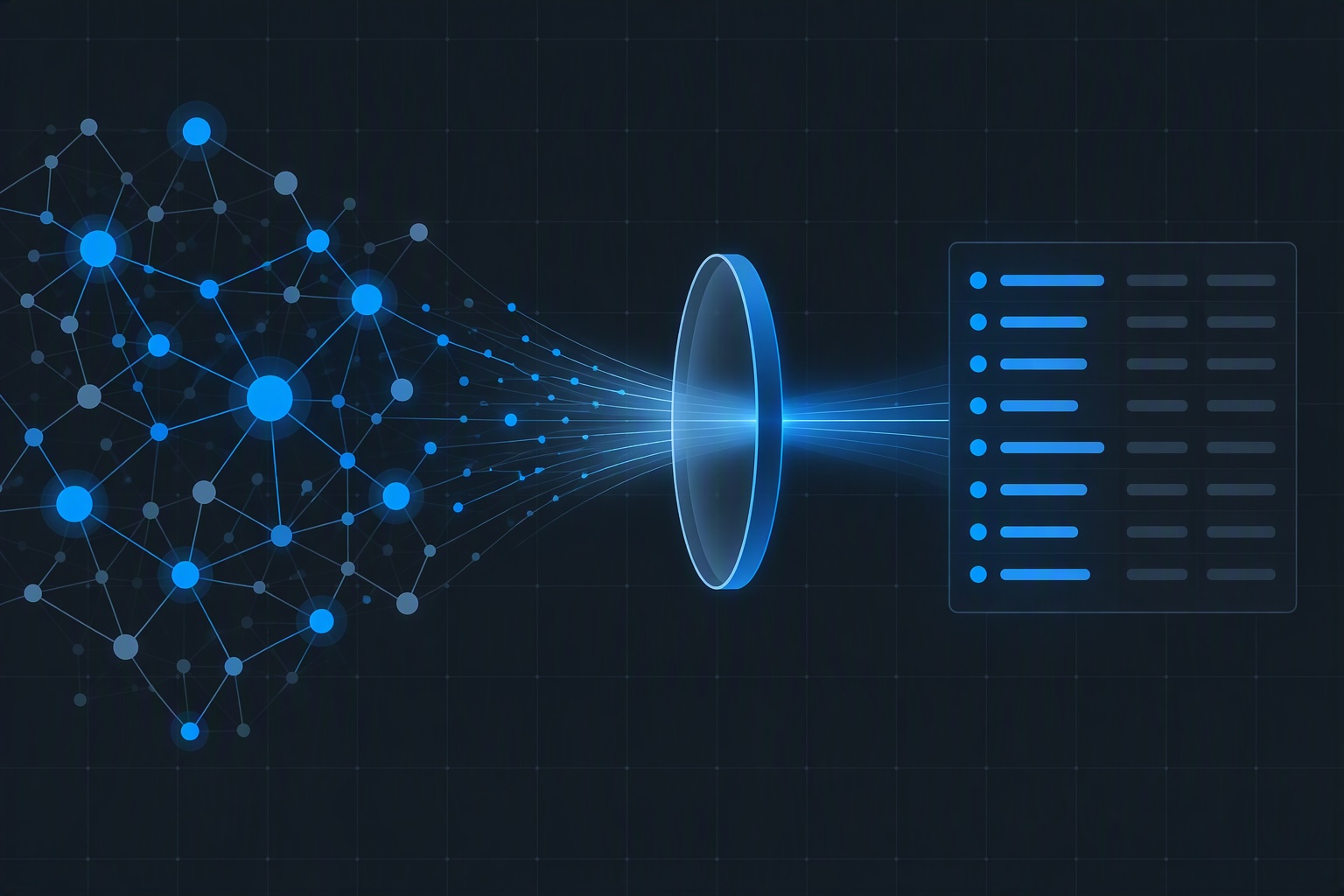
Instead, the agent starts asking the questions a competent architect would ask before touching a keyboard: which region, what availability requirements, how cost-sensitive is this workload, are there compliance controls that need to be baked in, what scale are you actually designing for, do you have SKU preferences or should it recommend defaults. This is a genuine multi-turn conversation, not a single prompt-to-output pass — you can push back on a suggestion, add a constraint you forgot to mention, or narrow scope, and the agent folds each answer into the evolving plan rather than starting over.
This is also where the comparison to spec-driven development actually holds up. You’re not searching documentation for the right resource block. You’re providing a complete-enough description of what the application needs to do, and the agent is responsible for turning that into something concrete — the same shift in responsibility that spec-driven coding tools ask of you, applied to infrastructure instead of application code.
The plan before the code
Once the agent has enough to work with, it produces something worth pausing on: a human-readable workload plan, not a Terraform file. This plan lays out the proposed architecture, the trade-offs behind each resource choice, and the reasoning tying it back to Well-Architected Framework guidance — all before a single line of infrastructure code exists.
This is the real review point, and it’s a better one than reviewing generated code after the fact. Approving a diff tells you whether the code looks reasonable. Approving this plan tells you whether the architecture is right — whether the agent’s read of “backed by PostgreSQL” matches what you actually meant, whether the availability assumptions match your real requirements, whether it picked a networking pattern your landing zone standards would actually allow. Catching a wrong assumption here costs you a follow-up message. Catching it after fifteen resource blocks already exist costs you a rewrite.
From approved plan to Terraform
Once you approve the plan, the agent generates the corresponding configuration — Terraform today in the portal experience, with Bicep support arriving there as well, and both already selectable if you’re working through the GitHub Copilot entry point instead. The output isn’t a fragment: it includes the primary resources you asked for along with the dependencies they need to actually deploy, so what you get is a complete, applyable configuration rather than something you have to go complete yourself.
One practical constraint worth knowing before your first session: results are noticeably better when the initial ask stays reasonably scoped — Microsoft’s own guidance points to keeping a single generation request to a modest number of primary resource types rather than describing an entire multi-tier architecture in one prompt. For anything larger, the better pattern is the same iterative approach the clarification loop already encourages: get a solid first slice generated and reviewed, then extend it with follow-up prompts rather than asking for the whole thing at once.
Reviewing before it ships
From here you have a choice of where to actually look at what got generated. One path opens the configuration in a full-screen editor and then into an Azure-hosted VS Code environment, where you can read through it properly rather than squinting at a chat window. Because Terraform depends on state, this is also where the backend decision surfaces: a temporary state option exists for quick validation and learning, explicitly not meant for anything you intend to keep, and a real backend — Terraform Cloud or an Azure-native equivalent — for configurations meant to persist. You can run terraform init and terraform validate directly against the generated configuration from here, catching syntax and provider issues before it goes anywhere near a pipeline.
The pull request
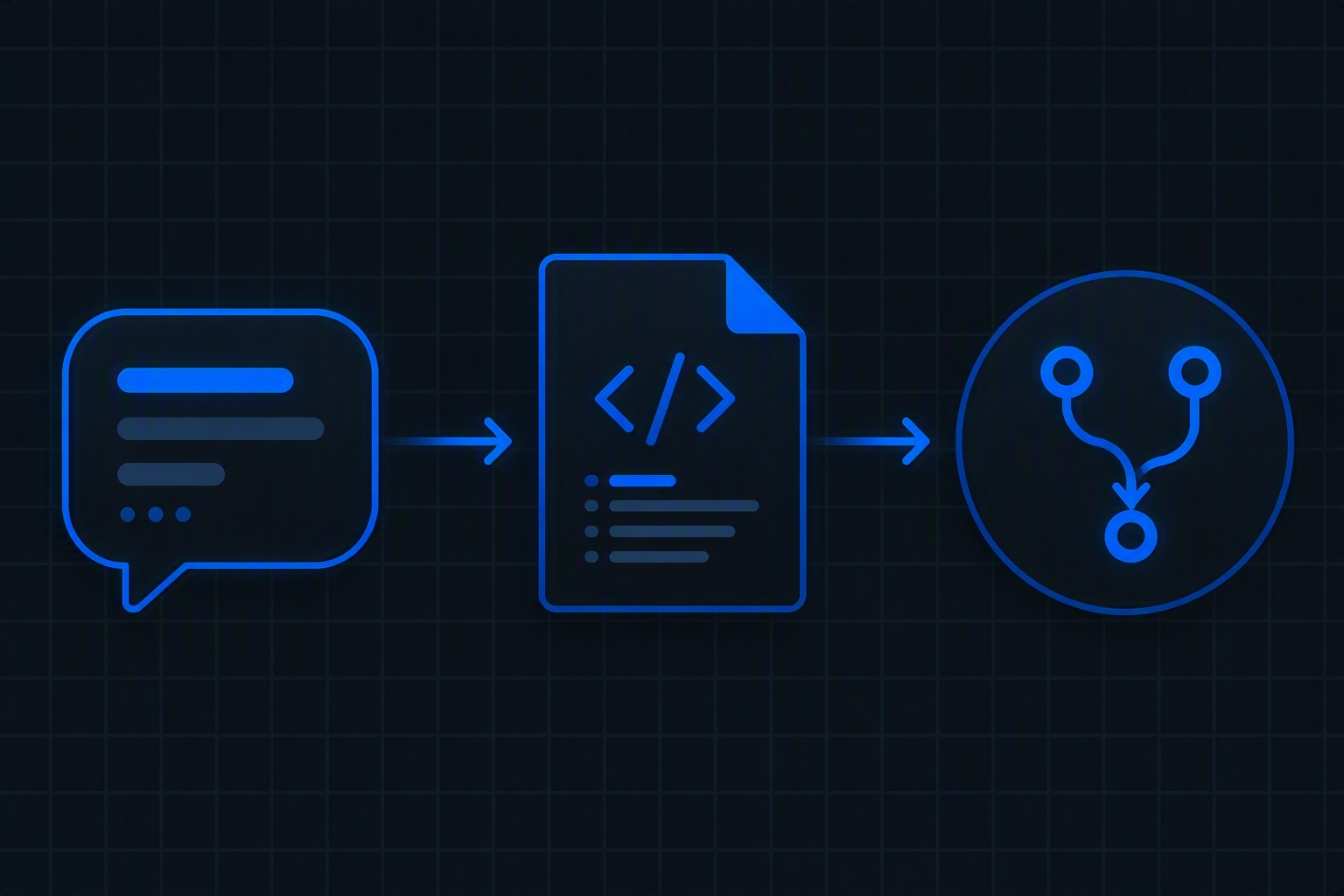
The other path — and the one that matters most for a team with an existing review process — is having Azure Copilot open a pull request directly against your GitHub repository with the generated files. This is the actual handoff point, and it’s worth treating it exactly like any other PR: reviewed by whoever normally reviews infrastructure changes on your team, checked against your landing zone standards, not waved through because an agent produced it instead of a person. The plan-approval step earlier in the session is useful, but it’s not a substitute for this review — it’s a conversation about architecture, not a gate against your organization’s actual standards.
Worth setting expectations correctly here too: deeper CI/CD integration — wiring this straight into GitHub Actions or an equivalent pipeline — is explicitly still being built out rather than fully mature today. Treat the generated PR as your integration point into a pipeline you already run, not as a pipeline the agent is running for you.
The platform engineering takeaway
None of this replaces a module library or a review process, and it isn’t meant to. What it actually removes is the blank-page problem — the gap between “here’s what I need” and a first draft worth reviewing. If your organization has standardized on something like Azure Verified Modules as the foundation underneath your own module library, this is a plausible way to arrive at a first draft that consumes those modules correctly, faster than writing it by hand. But the discipline that matters doesn’t change: someone with real landing zone context still has to read the plan, and still has to read the pull request, exactly as carefully as if a person had written it. And because the same generation logic is available through whichever coding agent your teams already use, not just Azure Copilot chat, your standards need to hold regardless of which door someone walked in through — that’s a platform decision worth making deliberately, not a detail worth discovering after the fact.
Discover more from ksharp
Subscribe to get the latest posts sent to your email.