
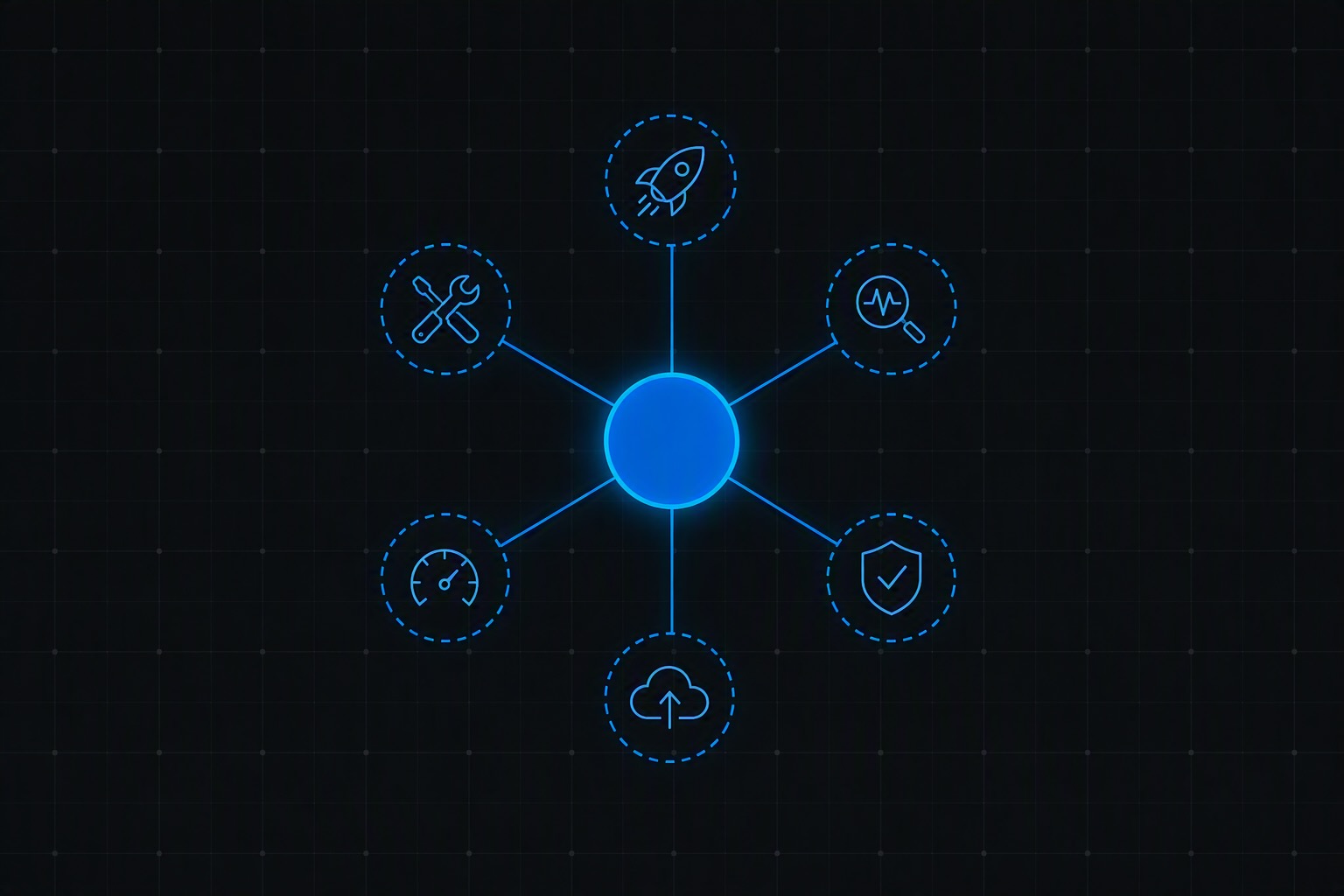
Today marks a shift in how Azure Copilot worked, not just a feature bump. Up to now, Azure Copilot has offered a single combined “Agent mode” experience — one general-purpose chat surface that could take on different helper roles depending on what you asked it to do. Starting today, that combined experience is retired in favor of individual, named agents, each with its own release status and its own point of access inside Azure.
That’s a meaningful change on its own. The part worth pausing on if you run a platform team is this: for any tenant that already has Azure Copilot enabled, every one of these agents — including the ones still in Public Preview — gets turned on by default. Nobody has to opt in. The tenant-level Azure Copilot access toggle is still the one control that governs all of it, and if Copilot is off for your tenant today, it stays off. But if it’s on, you’re getting the full lineup whether you reviewed each agent individually or not.
The agent lineup
One agent has reached General Availability. Five are in Public Preview:
General Availability
- Observability Agent
Public Preview
- Deployment Agent
- Troubleshooting Agent
- Optimization Agent
- Resiliency Agent
- Migration Agent
The Deployment, Troubleshooting, Optimization, and Resiliency Agents are reachable directly from the Azure Copilot chat experience. The Observability Agent lives inside Azure Monitor, and the Migration Agent inside Azure Migrate — Azure Copilot’s underlying chat and orchestration layer has been generally available for a while now; what’s new is these agents getting their own independent status and surfacing points rather than sitting behind one shared mode.
What each agent actually does
Observability Agent (GA). Built on top of Azure Monitor, this agent correlates logs, metrics, traces, and topology to speed up root-cause analysis across applications and infrastructure. In the Monitor experience it shows up as an “Investigate” option on alerts, combining anomaly-detection ML with a generative layer that turns the findings into a plain-language summary and next steps. It can pull in AKS-specific signals and link alerts that look unrelated on the surface but share a root cause — genuinely useful in distributed, cloud-native environments where failures rarely stay isolated to one resource. It also now extends into observability for generative AI workloads themselves, correlating signals like latency spikes and tool-invocation failures for agents built on Microsoft Foundry. One detail worth flagging for anyone doing cost planning: GA here also means billed. The Observability Agent runs on consumption-based pricing measured in Azure Agent Credits, tied to how many tokens the underlying model uses per interaction.
Deployment Agent (Preview). This agent turns a stated goal into a deployment plan and generates the infrastructure-as-code to match, aligned to the Well-Architected Framework. The interaction model is closer to spec-driven development than documentation search — you describe the application, the Azure services involved, and how you want it to behave, and the agent asks follow-up questions as it builds out the plan rather than expecting a fully-formed spec up front. Generated Terraform can be pushed straight into GitHub for use in CI/CD, and the agent pairs the output with pricing-calculator analysis so cost implications are visible before anything gets deployed, not after.
Troubleshooting Agent (Preview). Runs diagnostics against your infrastructure and returns either a step-by-step fix or, where it’s confident enough, a one-click automation. It works across Azure services generally but is strongest on AKS, Cosmos DB, and Azure-hosted VMs — the workload types with the richest telemetry for it to reason over. Not every issue resolves cleanly: in cases where it can’t hand you a fix, it documents the problem and can generate a support ticket instead, which is still a meaningful time save given it already has the relevant logs and resource context in hand.
Optimization Agent (Preview). Aimed squarely at FinOps practice rather than day-to-day ops. It ranks possible actions — SKU changes, workload moves to more efficient infrastructure — by cost impact, environmental impact, and how disruptive they are to implement, then generates the scripts to execute the ones you choose. It’s most valuable against existing estates, particularly lift-and-shift environments that were never fully right-sized for Azure in the first place, rather than new deployments already shaped by the Deployment Agent’s cost-aware output.
Resiliency Agent (Preview). Checks whether your resources are actually spread across availability zones the way your architecture assumes they are, then helps build and test failover and recovery plans — including simulating failures rather than just describing what should theoretically happen. It draws on Azure Resource Graph to generate resiliency reports and can run the recovery automations itself when a real failure occurs.
Migration Agent (Preview). Extends Azure Migrate with agentless discovery that maps existing infrastructure, including offline environments, and is application-aware rather than purely infrastructure-aware — it can factor in what an app actually does when recommending a modernization path. It generates the target infrastructure as either Bicep or Terraform, produces security and risk reports along the way, and leans on GitHub Copilot for actual application code changes when a migration involves modernizing .NET or Java code rather than a pure lift-and-shift.
Across all six, the pattern Microsoft is emphasizing is the same: every agent operates within existing Azure RBAC, and none of them are described as making changes without a human approval step in the loop. That’s the right default for anything touching production infrastructure, but “the agent won’t act without approval” and “the agent isn’t running at all” are two very different governance postures — and after today, every tenant with Copilot enabled has the first one, not the second, for agents nobody on the team may have evaluated yet.
What this means if you’re running the platform
None of this requires panic — these are Microsoft-built agents operating inside your existing permission model, not a new external surface. But “default-on” and “reviewed” aren’t the same thing, and a landing zone’s governance posture is usually built around the assumption that new capability requires a deliberate decision, not an automatic one. A few things worth doing before — or now that — this lands in your tenant:
- Confirm your tenant-level Azure Copilot access setting reflects an actual decision, not just whatever it happened to be set to. If Copilot is on, the full agent lineup is on with it as of today.
- Review who currently has access to Azure Copilot chat, Azure Monitor, and Azure Migrate in your tenant — that access now doubles as access to five preview-status agents capable of generating infrastructure, running diagnostics, and proposing cost changes.
- Decide your organization’s standing policy on Public Preview agents specifically, the same way you’d already have a policy on consuming preview API versions or preview Azure services in production landing zones.
- Budget for the Observability Agent’s consumption-based billing now that it’s GA, rather than discovering it on next month’s invoice.
- Communicate the change to teams before they stumble onto a new agent inside a familiar surface and assume it’s always been there.
The capabilities themselves are a real step toward less manual toil in cloud operations — a deployment agent that ties IaC generation to cost visibility, an observability agent that correlates signals across a distributed system automatically, a resiliency agent that actually simulates failures instead of just flagging missing zone redundancy. The part that belongs on a platform team’s radar isn’t whether to use them. It’s making sure “enabled” happened because you decided it should, not because a tenant setting from months ago quietly opted you into all of it.
Discover more from ksharp
Subscribe to get the latest posts sent to your email.


2 Replies to “Azure Copilot’s New Agent Lineup: What Changes today, and…”