Every organization running more than a handful of VMs arrives at the same problem eventually. Someone spins up a marketplace Ubuntu image, SSHs in, installs the monitoring agent, layers on the endpoint security tooling, drops in a couple of internal CA certificates, runs a hardening script, captures the result, and calls it the golden image. It works. Six weeks later there are three of them, built by three people, with three different agent versions, and nobody’s entirely sure which one the production scale set is actually pulling from.
That’s not a tooling failure. It’s what happens when image building stays a manual activity in an environment where everything else has been automated. From a platform engineering perspective, the golden image is infrastructure — it deserves the same versioning, review, and pipeline discipline as the Bicep or Terraform that deploys on top of it.
Why golden images matter at platform scale
Drift becomes a build-time problem instead of a runtime one. If every VM installs its agents at first boot via extensions or configuration management, every VM is a chance for that installation to fail, install a different version, or time out. Baking them into the image moves that risk into a controlled build process that runs once and gets tested once.
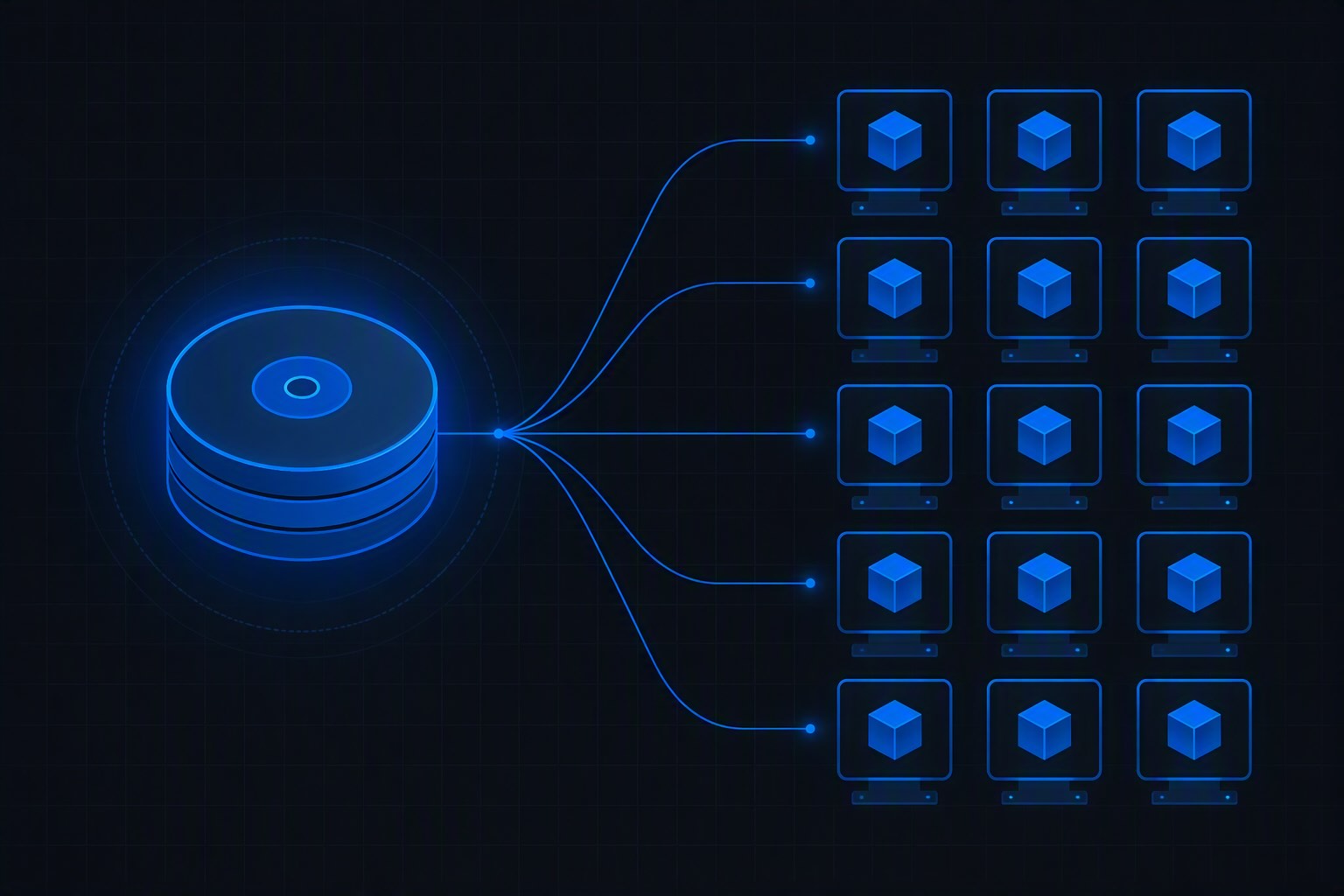
Boot time drops, and so does the blast radius of a bad bootstrap. Scale-set nodes that come up already carrying their monitoring agent, security tooling, and base configuration reach ready-state meaningfully faster than ones running a provisioning script at boot. For autoscaling workloads, that’s the difference between scaling out in response to load and scaling out after the load has already caused a problem.
Compliance gets an evidence trail. “Every VM in this environment has the required security agent” is a claim you can actually substantiate when the agent is baked into a versioned image with a known build pipeline behind it. When it’s installed by a script someone runs post-deployment, that claim is aspirational.
Patching becomes a rebuild, not an in-place operation. The golden image pattern pairs naturally with immutable infrastructure: instead of patching running VMs and hoping they converge, you rebuild the image on the latest patched marketplace base, roll a new version, and replace instances. The fleet is only ever as old as your last image build.
Teams get a baseline to extend rather than a blank page. The platform team owns a hardened, agent-equipped base image; application teams layer their own requirements on top of it as a downstream image definition. The security and compliance floor is inherited, not re-implemented by each team.
Where golden images actually get used
The pattern shows up across more of an Azure estate than most teams initially plan for:
- Standalone virtual machines, the plainest and most common case — any VM deployed from a gallery image version instead of a marketplace URN inherits the agents, certificates, and hardening baseline without a single post-deployment step. This is also where the versioning pays off most visibly: pinning a specific image version gives you a reproducible machine months later, while pointing at
latestmeans every new VM picks up the current patched baseline automatically. - Virtual machine scale sets, where fast, identical node startup is the entire point and per-node bootstrap scripts are a liability.
- Azure Virtual Desktop session hosts, probably the most common golden-image workload — consistent app versions and configuration across a session host pool is otherwise unmanageable at any scale.
- AKS node pools using custom node images, where you need specific agents or kernel configuration present before the node joins the cluster.
- Self-hosted CI/CD agents, whether GitHub Actions runners or Azure DevOps agents, where a pre-baked toolchain eliminates minutes of setup time on every single pipeline run.
- Dev Box and developer workstation definitions, giving developers a machine that already has the internal toolchain, certificates, and network configuration in place.
- Regulated or air-gapped environments, where the image is the only practical way to guarantee a known-good software inventory on every machine, because installing things at runtime from the internet isn’t an option.
The foundation: Azure Compute Gallery
Before discussing build methods, a note on where images should land. Both approaches mentioned below can technically produce a standalone managed image, and for anything beyond a proof of concept, you don’t want that. Azure Compute Gallery is the image management layer that turns a captured disk into something operable: image definitions, semantic versioning, multi-region replication, RBAC-controlled sharing across subscriptions and tenants, and soft-delete so that the version production is still pulling doesn’t vanish because someone tidied up.
The practical rule: the build method is a choice, publishing to a Compute Gallery isn’t.
The following tow methods of building golden images assume a gallery and image definition already exist — created with the AVM modules (avm/res/compute/gallery) if you’ve standardized on those, or however your landing zone provisions shared platform resources.
Method 1: a hand-rolled GitHub Actions pipeline
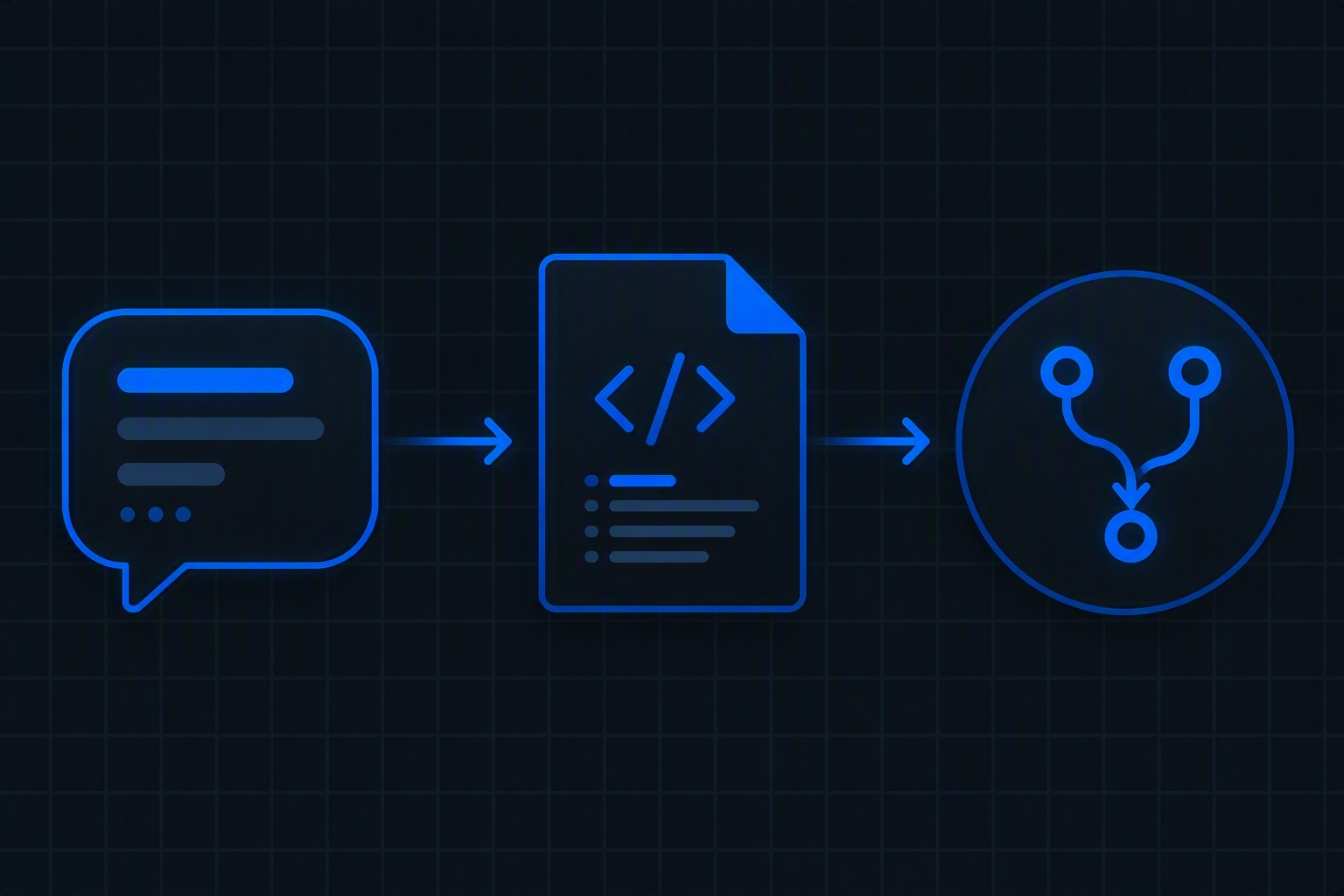
The direct approach is to do in a pipeline exactly what you’d do by hand: deploy a VM from a marketplace base, run your installation scripts on it, generalize it, capture it into the gallery, and clean up. Triggered with workflow_dispatch so it runs deliberately rather than on every commit, though a scheduled monthly rebuild against the latest patched base image is the natural next step.
name: Build golden image (manual)

on:
  workflow_dispatch:
    inputs:
      imageVersion:
        description: 'Semantic version for the new image (e.g. 1.2.0)'
        required: true

permissions:
  id-token: write   # OIDC federated credential — no stored secrets
  contents: read

env:
  RG: rg-platform-images
  GALLERY: galPlatform
  IMAGE_DEF: ubuntu-2204-hardened
  LOCATION: westeurope
  BUILD_VM: vm-imgbuild-${{ github.run_id }}

jobs:
  build:
    runs-on: ubuntu-latest
    steps:
      - uses: actions/checkout@v4

      - uses: azure/login@v2
        with:
          client-id: ${{ secrets.AZURE_CLIENT_ID }}
          tenant-id: ${{ secrets.AZURE_TENANT_ID }}
          subscription-id: ${{ secrets.AZURE_SUBSCRIPTION_ID }}

      - name: Create build VM from latest patched base
        run: |
          az vm create \
            --resource-group $RG \
            --name $BUILD_VM \
            --image Canonical:ubuntu-24_04-lts:server:latest \
            --size Standard_D2s_v5 \
            --admin-username azureuser \
            --generate-ssh-keys \
            --nsg "" \
            --public-ip-address ""

      - name: Install agents and custom software
        run: |
          az vm run-command invoke \
            --resource-group $RG \
            --name $BUILD_VM \
            --command-id RunShellScript \
            --scripts @scripts/install-agents.sh

      - name: Validate the build
        run: |
          az vm run-command invoke \
            --resource-group $RG \
            --name $BUILD_VM \
            --command-id RunShellScript \
            --scripts @scripts/validate.sh

      - name: Generalize
        run: |
          az vm run-command invoke \
            --resource-group $RG --name $BUILD_VM \
            --command-id RunShellScript \
            --scripts "waagent -deprovision+user -force"
          az vm deallocate --resource-group $RG --name $BUILD_VM
          az vm generalize --resource-group $RG --name $BUILD_VM

      - name: Capture into the Compute Gallery
        run: |
          az sig image-version create \
            --resource-group $RG \
            --gallery-name $GALLERY \
            --gallery-image-definition $IMAGE_DEF \
            --gallery-image-version ${{ inputs.imageVersion }} \
            --managed-image $(az vm show -g $RG -n $BUILD_VM --query id -o tsv) \
            --target-regions westeurope=1 northeurope=1

      - name: Clean up build VM
        if: always()
        run: az vm delete --resource-group $RG --name $BUILD_VM --yes
The installation script is ordinary shell — it’s the part you’d have run manually anyway:
bash
#!/usr/bin/env bash
set -euo pipefail

# Monitoring agent
curl -sSL https://internal-artifacts.contoso.com/monitoring-agent.deb -o /tmp/agent.deb
dpkg -i /tmp/agent.deb

# Internal CA certificates
cp ./certs/contoso-root-ca.crt /usr/local/share/ca-certificates/
update-ca-certificates

# Baseline hardening
./scripts/cis-hardening.sh

# Clean package cache so it doesn't bloat the image
apt-get clean && rm -rf /var/lib/apt/lists/*
What this gives you: total control. It’s plain CLI against resources you already understand, the logs are your pipeline’s logs, and when something fails you can leave the build VM running and SSH into it. There’s no service-specific template schema to learn, and the same pattern works essentially unchanged against AWS or on-prem with different commands.
What it costs you: you own the whole lifecycle. Orphaned build VMs when a run fails at the wrong step, networking for the build VM in a landing zone that doesn’t allow public IPs, secret handling for private artifact feeds, retry logic, timeout handling, and the if: always() cleanup discipline that keeps a failed run from quietly billing you for a D2s indefinitely. On Windows, add sysprep’s own well-known sharp edges to the list.
Method 2: Azure VM Image Builder
Azure VM Image Builder (AIB) is the managed alternative: a service built on HashiCorp Packer that takes a declarative image template and handles the build VM lifecycle itself. You describe source, customizations, validation, and distribution — Azure provisions the ephemeral build infrastructure, runs your steps, generalizes, publishes, and tears everything down.
The template is an ARM/Bicep resource, so it lives in the same IaC repo as the rest of your platform:
resource imageTemplate 'Microsoft.VirtualMachineImages/imageTemplates@2024-02-01' = {
  name: 'it-ubuntu-2204-hardened'
  location: location
  identity: {
    type: 'UserAssigned'
    userAssignedIdentities: {
      '${imageBuilderIdentity.id}': {}
    }
  }
  properties: {
    buildTimeoutInMinutes: 80
    vmProfile: {
      vmSize: 'Standard_D2s_v5'
      osDiskSizeGB: 64
      // Build inside your own VNet — no public endpoint on the build VM
      vnetConfig: {
        subnetId: buildSubnet.id
      }
    }
    source: {
      type: 'PlatformImage'
      publisher: 'Canonical'
      offer: 'ubuntu-24_04-lts'
      sku: 'server'
      version: 'latest'
    }
    customize: [
      {
        type: 'Shell'
        name: 'InstallAgents'
        // Fetched with the user-assigned identity — no public URLs, no SAS tokens
        scriptUri: '${storageAccount.properties.primaryEndpoints.blob}scripts/install-agents.sh'
        sha256Checksum: installScriptChecksum
      }
      {
        type: 'Shell'
        name: 'Hardening'
        scriptUri: '${storageAccount.properties.primaryEndpoints.blob}scripts/cis-hardening.sh'
        sha256Checksum: hardeningScriptChecksum
      }
    ]
    validate: {
      inVMValidations: [
        {
          type: 'Shell'
          name: 'VerifyAgentsRunning'
          inline: [
            'systemctl is-active --quiet monitoring-agent || exit 1'
          ]
        }
      ]
    }
    distribute: [
      {
        type: 'SharedImage'
        galleryImageId: '${gallery.id}/images/${imageDefinitionName}/versions/${imageVersion}'
        runOutputName: 'ubuntu-2204-hardened'
        replicationRegions: [ 'westeurope', 'northeurope' ]
        storageAccountType: 'Standard_ZRS'
      }
    ]
  }
}
Triggering it from GitHub Actions is then a two-step job — deploy the template, run the build:
      - name: Deploy image template
        run: |
          az deployment group create \
            --resource-group $RG \
            --template-file infra/image-template.bicep \
            --parameters imageVersion=${{ inputs.imageVersion }}

      - name: Run the build
        run: |
          az resource invoke-action \
            --resource-group $RG \
            --resource-type Microsoft.VirtualMachineImages/imageTemplates \
            --name it-ubuntu-2204-hardened \
            --action Run
Two details worth calling out, because they’re exactly what a regulated enterprise environment needs and the reason AIB tends to win on security review. The vnetConfig block builds inside your own subnet, so the build VM never needs a public endpoint. And scriptUri combined with sha256Checksum means customization scripts are pulled from private storage using the managed identity, with tamper detection — no public script URLs, no long-lived SAS tokens, and a build that fails loudly if an artifact has been modified.
There’s also a first-party GitHub Action (azure/build-vm-image) that wraps AIB, which is worth knowing about but generally less useful for platform teams than the Bicep template — the template is reviewable, version-controlled infrastructure; the action is a black box with parameters.
Comparing the two
| Hand-rolled GitHub Actions | Azure VM Image Builder | |
|---|---|---|
| Build VM lifecycle | You create, manage, and clean up | Managed by the service, torn down automatically |
| Orphaned resource risk | Real — depends on your cleanup logic | Effectively eliminated |
| Learning curve | Low — it’s just CLI commands | Higher — template schema, identity setup, RBAC prerequisites |
| Debuggability | Excellent — keep the VM alive and SSH in | Harder — logs go to a storage account, build VM is gone |
| Validation step | You build it yourself | First-class validate block in the template |
| Private networking | You wire up the VNet and NSGs | vnetConfig handles it declaratively |
| Artifact integrity | Your responsibility | Built-in SHA256 checksum verification |
| IaC reviewability | Pipeline YAML + shell scripts | Declarative resource in your Bicep/Terraform repo |
| Distribution & replication | Explicit CLI calls | Declared in the template’s distribute block |
| Portability | Pattern transfers to other clouds | Azure-only |
| Total code to maintain | Higher | Lower |
The honest summary: the hand-rolled pipeline is better for learning, for unusual builds that don’t fit the template’s shape, and for teams that genuinely need step-by-step control or cross-cloud consistency. AIB is better for almost everything a platform team runs in steady state, because the things it takes off your plate — build VM lifecycle, private networking, artifact integrity, cleanup — are exactly the things that go wrong in a hand-rolled pipeline at 2 a.m.
There’s also a third position worth naming: Packer directly, via GitHub Actions. It gives you AIB’s declarative model with full portability across clouds, at the cost of running and maintaining the build orchestration yourself. If your organization is genuinely multi-cloud, that’s the option to evaluate seriously rather than defaulting to the Azure-native service.
A practical recommendation
Start with AIB unless you have a specific reason not to. Publish to a Compute Gallery from day one, never to standalone managed images. Version semantically and treat the version number as the thing your VMSS and AVD host pool definitions pin against. Schedule a monthly rebuild against version: latest of the marketplace base so patching is a pipeline run rather than a project. Put the validation step in from the start — an image that builds successfully but is missing the security agent is worse than a build that fails, because it ships.
And keep the hand-rolled pipeline in your back pocket. When an AIB build fails for reasons the logs won’t explain, reproducing the same steps manually against a build VM you can actually SSH into is still the fastest way to find out why.
The platform engineering takeaway
Golden images are one of the clearest cases where platform engineering earns its keep: the work is genuinely shared, genuinely repetitive, and genuinely risky to leave to each team individually. One versioned, validated, agent-equipped base image maintained by the platform team replaces a dozen slightly-different snapshots maintained by nobody. The build method matters less than the discipline around it — versioned, validated, published to a gallery, rebuilt on a schedule, and pinned by whatever consumes it.
Discover more from ksharp
Subscribe to get the latest posts sent to your email.