The problem nobody talks about until they hit it
You’ve locked down your Azure Container Registry. Public network access is disabled, private endpoints are in place, and your network diagram looks the way your security team wants it to look. Then someone runs an az acr build or docker build, and it fails with a 403.
The reason is simple once you know it: docker build and ACR Tasks don’t run on your infrastructure by default. They run on either a local or shared, multi-tenant pool of build machines on the public side of your isolated network. Those machines reach your registry over public endpoints. As soon as you lock the registry down to private access only, that default execution environment can no longer get in — and you’re stuck deciding how to keep your build and patching pipelines alive without reopening the door you just closed.
The options on the table
There isn’t just one way to solve this, and it’s worth being honest about the trade-offs of each before landing on agent pools.
1. Allow network bypass for trusted Microsoft services Azure historically let you flag ACR Tasks as a trusted service that could bypass network rules using the task’s system-assigned managed identity.
- Benefit: No new infrastructure, minimal configuration, fast to turn on.
- Drawback: You’re explicitly punching a hole in your network isolation story for the registry’s control plane. The token used for this bypass is a sensitive credential, and Microsoft’s own guidance is blunt that mishandling it (e.g. logging it) creates real exposure risk. For teams that adopted “deny public access, no exceptions” as policy, this isn’t a real option — it’s a backdoor with a different name.
2. Run builds entirely on your own infrastructure Microsoft’s own fallback recommendation is to run Docker or container runtime commands directly on self-managed agents or machines with direct access to the registry — VMs, build servers, whatever you already run — bypassing ACR Tasks entirely.
- Benefit: Full control, no dependency on any Microsoft-managed bypass policy, trust boundary stays entirely with you.
- Drawback: You’re back to patching, scaling, and securing build servers yourself. Idle capacity costs money; under-provisioned capacity creates queues. This is exactly the operational burden most teams adopted ACR Tasks to get away from in the first place.
3. Open the registry firewall to the Tasks public IP ranges You can query the AzureContainerRegistry service tag for your task’s region and explicitly allow those IPs through the registry firewall.
- Benefit: Keeps using the standard shared Tasks pool, no new compute to manage.
- Drawback: Tasks agent pools run in the same region as the registry, and you have to keep firewall rules in sync with Microsoft’s published IP ranges for that region — ranges that can change. It’s also a shared multi-tenant pool sitting outside your VNet; for many compliance frameworks, “we whitelisted Microsoft’s public build IPs” doesn’t satisfy “build environment is network-isolated.”
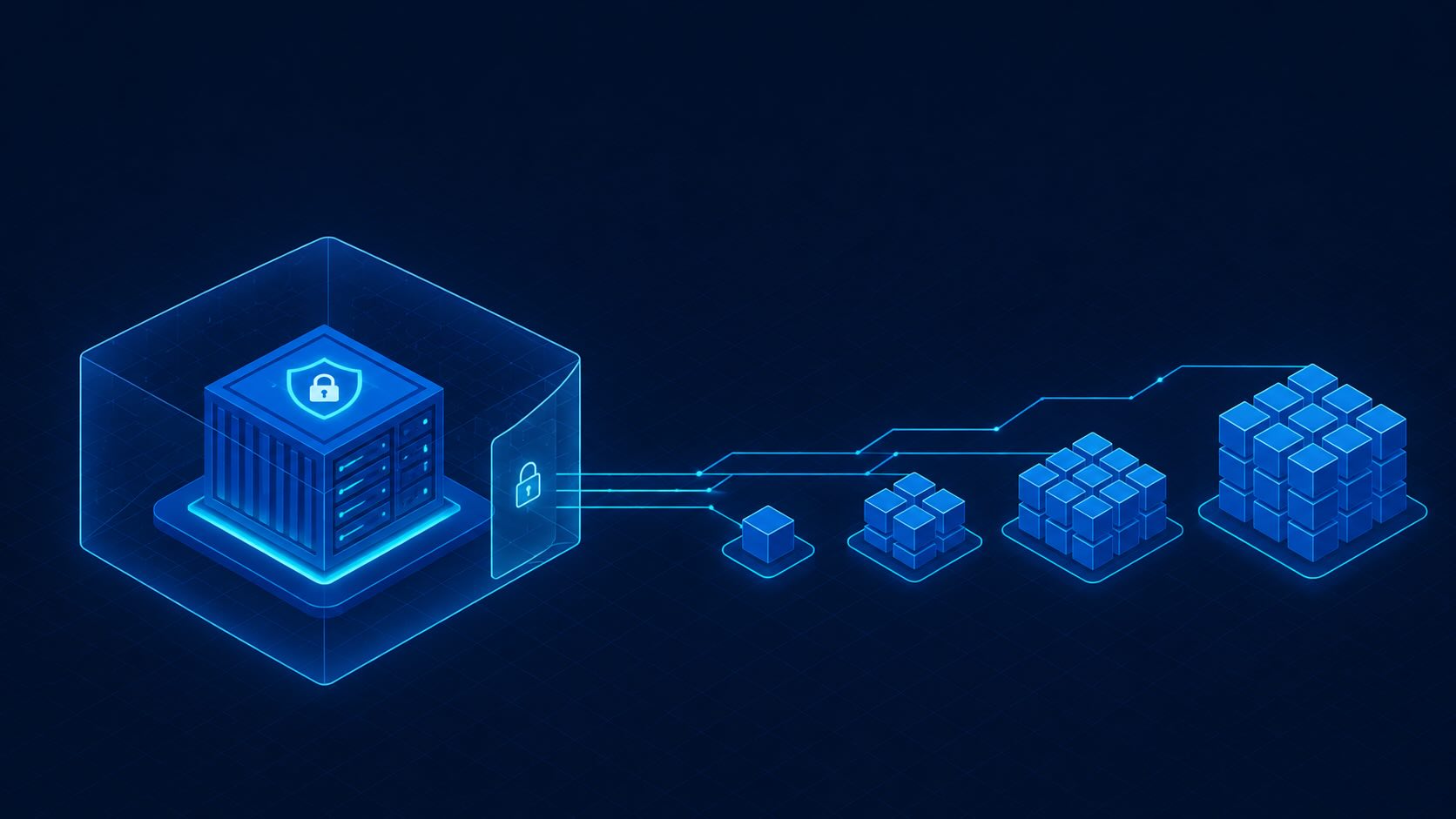
4. Dedicated ACR Agent Pools inside your VNet This is the option that actually resolves the challenge rather than working around it: dedicated build compute that lives inside your network, with no bypass policy, no IP whitelisting maintenance, and no self-hosted fleet to patch.
What an Agent Pool actually is
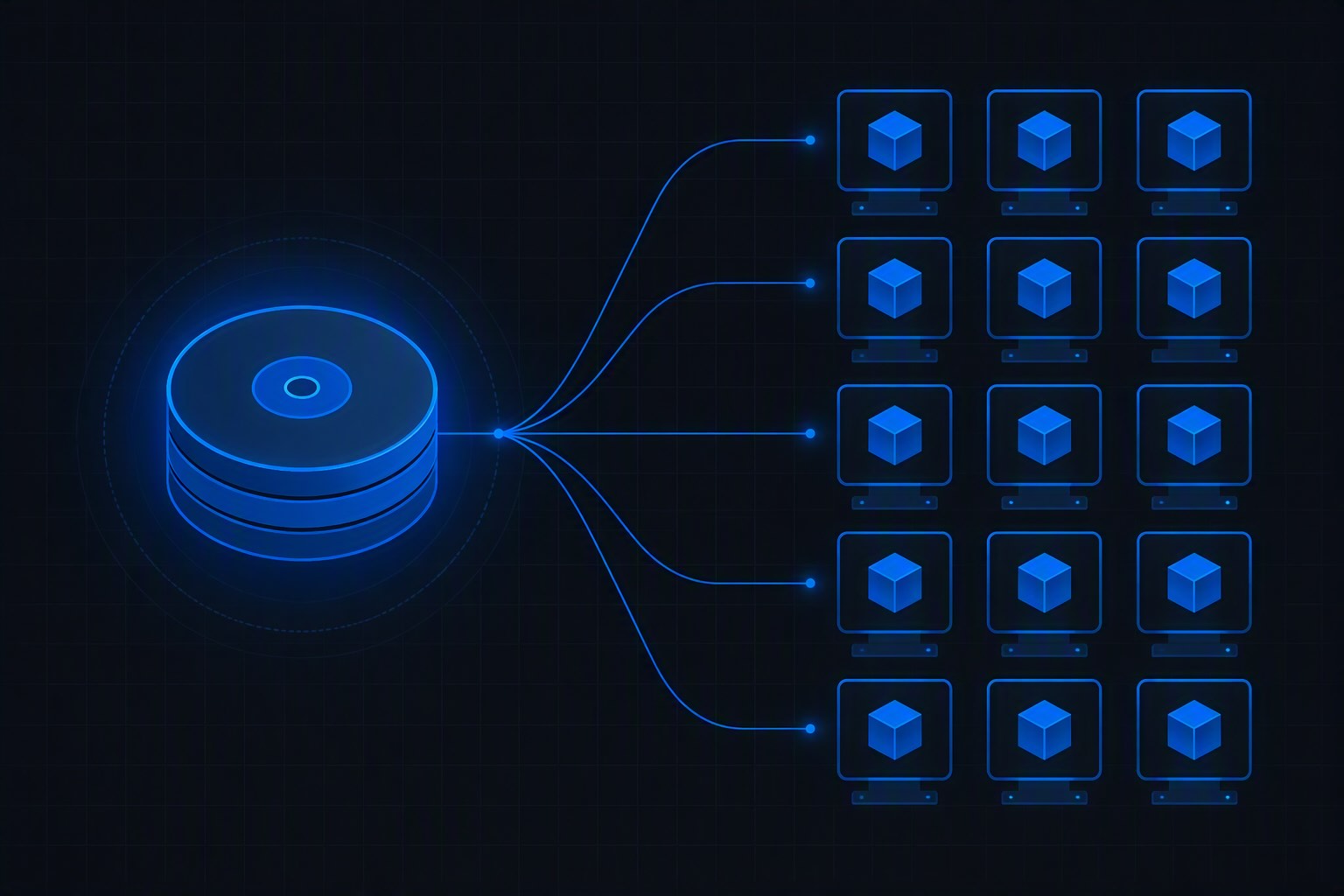
An ACR Task Agent Pool provides dedicated machine pools for executing ACR Tasks, rather than relying on the shared multi-tenant pool. The pool is provisioned and attached directly to your registry, and critically:
- Agent pools can be assigned to an Azure VNet, giving tasks running in the pool access to resources inside that VNet — your registry via private endpoint, Key Vault, storage accounts, internal package feeds, whatever the build needs to reach.
- Because the pool’s machines are provisioned into your virtual network, jobs running on it connect to the registry through your private endpoint instead of through a public IP path — so you can disable public network access on the registry entirely, with no exception needed.
This is the part worth sitting with: you’re not trading isolation for convenience, and you’re not trading convenience for isolation. You get both, because the compute that does the building is now a resident of your network rather than a visitor knocking from outside it.
The part that actually matters for day-to-day operations: zero infrastructure management
If all an agent pool did was solve the networking problem, it would already be worth using. But the bigger win is operational, not architectural.
You don’t provision VMs. Creating a pool is a single CLI call specifying a tier — for example a 4 vCPU / 8 GB tier with one instance — and Azure handles bringing the actual compute online.
You don’t patch anything. Task pools are patched and maintained by Azure, giving you a balance between having reserved, dedicated capacity and the overhead of maintaining the individual machines yourself. This is the detail that quietly kills option 2 above (fully self-hosted build servers) for most teams: you get the isolation benefit of “this is my dedicated capacity” without inheriting “and now I’m responsible for its OS lifecycle.”
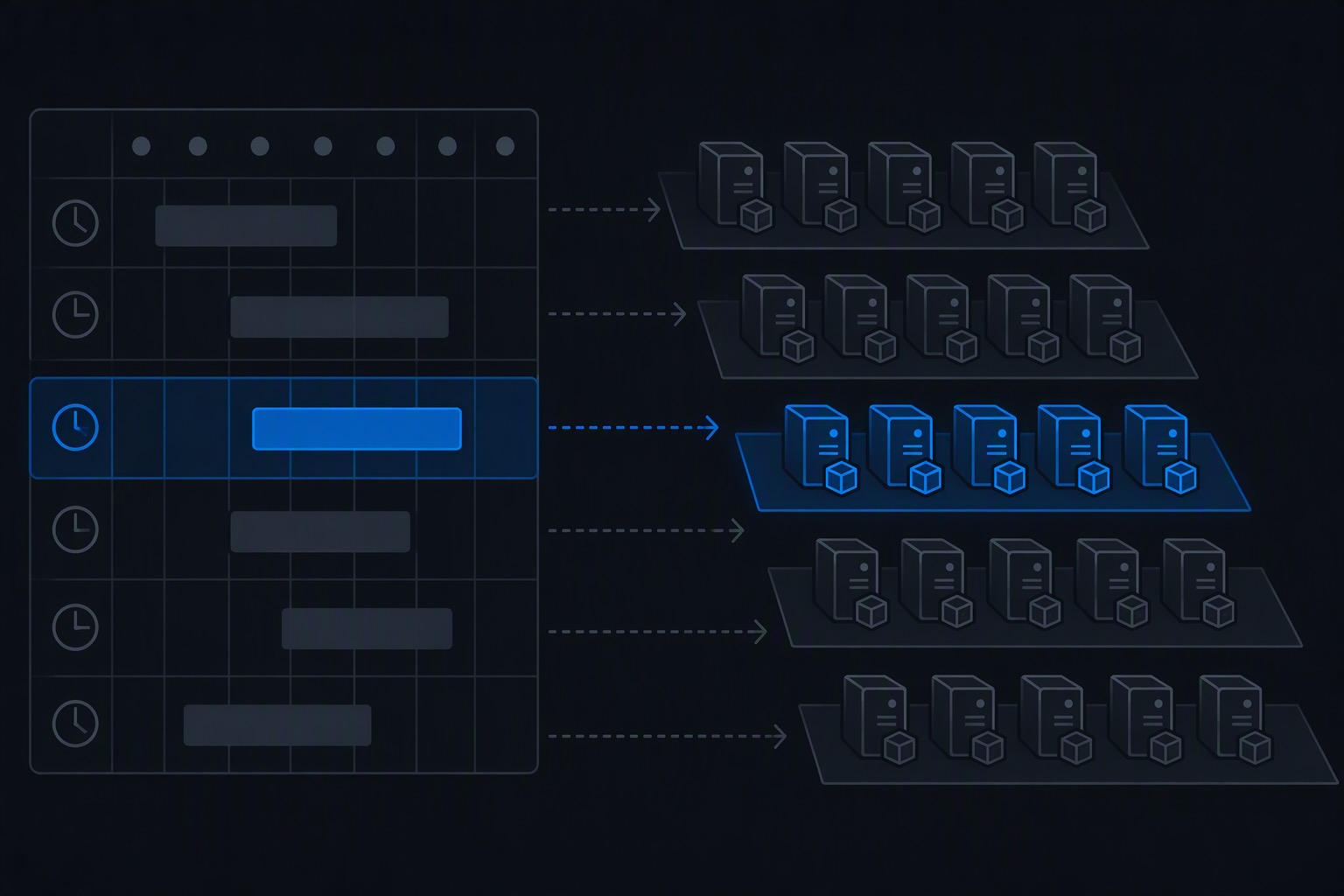
You don’t run a single fleet for every workload. You can stand up multiple pools, each sized differently, to serve different workload profiles — lighter pools for quick validation builds, heavier pools for image-heavy multi-stage builds.
You scale by changing a number, not by re-architecting anything. Scaling a pool up or down is a single az acr agentpool update command with a –count parameter. Pools can also scale to zero instances and are billed based on actual allocation, so idle pools aren’t a standing cost the way idle self-hosted build servers are.
Put together, this is the pitch: dedicated, network-resident compute, with the elasticity and “someone else patches it” convenience of a managed service. You don’t manage self-hosted agents, you don’t reconcile firewall IP ranges, and you don’t compromise on disabling public access to get there.
Setting one up
The mechanics are short enough that the simplicity is itself the point.
Create the pool inside your VNet subnet:
subnetId=$(az network vnet subnet show \
  --resource-group myresourcegroup \
  --vnet-name myvnet \
  --name mysubnetname \
  --query id --output tsv)

az acr agentpool create \
  --registry myregistry \
  --name myagentpool \
  --tier S2 \
  --subnet-id $subnetId
Creating an agent pool and other pool management operations take several minutes to complete, since Azure is provisioning real compute behind the scenes — but it’s a one-time setup cost, not an ongoing one.
Run a build against it:
az acr build \
  --registry myregistry \
  --agent-pool myagentpool \
  --image myimage:mytag \
  --file Dockerfile \
  https://github.com/Azure-Samples/acr-build-helloworld-node.git#main
Or schedule recurring patching runs on it, which is exactly the kind of base-image and OS patching workflow ACR Tasks was built for in the first place:
az acr task create \
  --registry myregistry \
  --name mytask \
  --agent-pool myagentpool \
  --image myimage:mytag \
  --schedule "0 21 * * *" \
  --file Dockerfile \
  --context https://github.com/Azure-Samples/acr-build-helloworld-node.git#main \
  --commit-trigger-enabled false
Scale the pool when load changes:
az acr agentpool update \
  --registry myregistry \
  --name myagentpool \
  --count 2
Two instances, zero instances, back up to two — same command, just a different number, and Azure handles the rest.
A few things worth planning for
Agent pools aren’t a “set it and forget it” silver bullet, and a couple of real constraints are worth knowing up front rather than discovering during an incident:
- There’s currently no service endpoint for Azure Monitor from within the pool’s network. If outbound traffic for Azure Monitor isn’t explicitly routed, the pool can’t emit diagnostic logs — and may appear to be operating normally while doing so, which makes troubleshooting harder if something does go wrong. Plan your egress routing for monitoring traffic deliberately, not as an afterthought.
- Tasks have precached images for common helper operations, but only one version at a time — if your task pins a specific tag, the agent may still need to reach out and pull it, so make sure your network configuration routes outbound traffic to wherever that image actually lives (mcr.microsoft.com, for the typical ACR CLI helper image).
- Azure doesn’t currently expose queue-depth metrics or events for the pool, so if you want pools to scale themselves in response to demand rather than scaling manually, you’ll need to poll the queue count on a schedule and drive scaling from that yourself — for example with a small scheduled function that checks
az acr agentpool show --queue-countand adjusts instance count accordingly.
None of these undercut the core value — they’re just the kind of “read the fine print once” details that save you a confusing afternoon later.
The bottom line
If you’ve locked down your registry’s network access and your build pipeline broke as a result, you have real options — bypass policies, self-hosted agents, firewall IP allowlisting — but each comes with a cost you have to actively own: a security exception, a fleet to patch, or a moving target of IP ranges to track.
Agent pools sidestep all three. You get compute that lives inside your VNet and can reach your private endpoints directly, you never manage the underlying machines, and you scale capacity — including down to zero — with a single CLI flag. For teams building and patching containers inside private VNets, that combination is hard to beat: the isolation you wanted, without the infrastructure tax you were trying to avoid.
Discover more from ksharp
Subscribe to get the latest posts sent to your email.